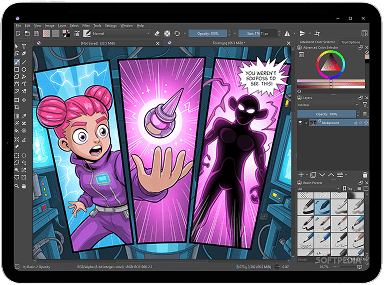
STEP IT ШАГ | We have been teaching since 1999. High-quality IT-education for adults and children. We prepare programmers, designers and system engineers who cannot be replaced by artificial intelligence. In order to achieve this, we teach how to understand tasks, run projects and work in a team, in addition to core knowledge.

Your browser Internet Explorer is out of date!

Please, use Google Chrome, Safari, Mozilla Firefox, Opera

Digital
Drawing

We will teach your child to create characters, landscapes, comics, and animations in digital format using modern tools and artificial intelligence.

Learn more
  • Classes in a comfortable environment
    online format
  • For children
    7-17 years old
4.95

Average course evaluation by our students in 2024, based on 1360 evaluations

The best start
to your child's creative future

Digital art is not just drawing. It is a way of thinking, creating, telling stories, visualizing ideas.

In a world where design, animation, game development, and artificial intelligence play a key role, the ability to work with visual content opens up wide opportunities for a child.
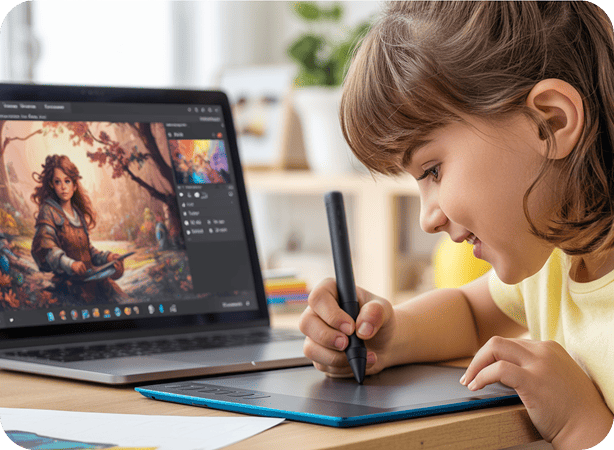
This course not only reveals talents, but also gives real skills that will become the basis for a future profession.

Within 6 months, a child develops creative thinking, artistic taste, visual literacy, and self-confidence.

And will have the opportunity to master popular digital tools, learn how to create characters, comics, game scenes, and animation.
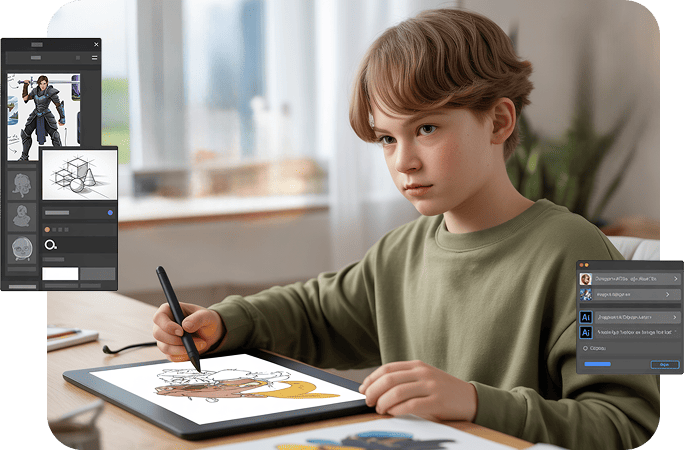
The course is suitable for your child if they:

Likes to draw everywhere —
even in the margins of his notebook

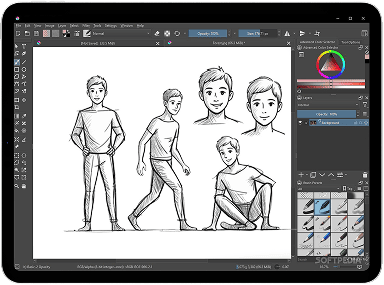
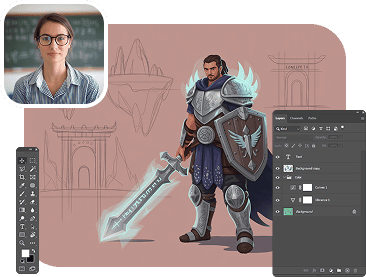
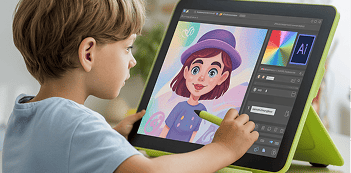
During the course, the child will learn to work with a graphics tablet and digital tools, create stylish characters, backgrounds, and illustrations — just like real artists do.
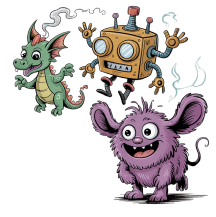
Loves to fantasize and invent characters

We will show you how to visualize ideas:
from the first sketch to
a full-fledged comic, animation, or
a magical world with its own rules.
Interested in cartoons,
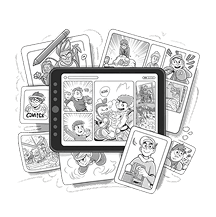
comics, games

The child will be able to not just watch -
but create their own scenes, stories,
covers, inventory and even the movements of the characters!
Wants to work at the computer,
not just “sit in games”

During the course, the child will master modern tools
— Krita, Artbreeder, Leonardo AI, ChatGPT —
and learn how to turn the computer into a
workshop of ideas, not just entertainment.

Training program

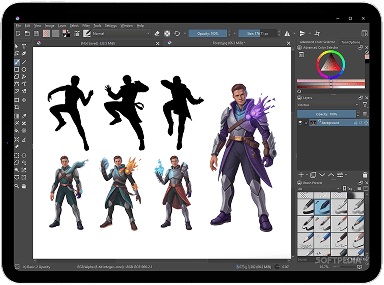
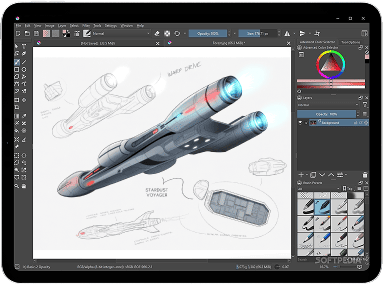
The course curriculum dives deep into digital drawing, animation, and game illustration. It combines artistic skills with modern AI tools that help you visualize ideas, create characters, worlds, comics, and cartoons from scratch.

6 months of exciting practical classes

48 lessons with creative homework

50+ new skills — from composition to digital animation

Block 1. Basics of digital drawing

[10 topics]

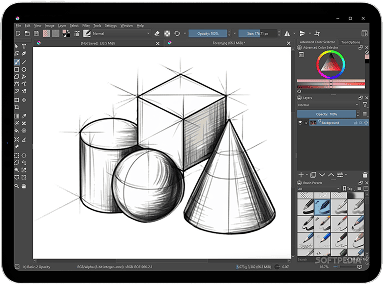
  • Krita interface, tablet settings
  • Color theory, palettes via Coolors, working with gradients
  • Facial expressions: eyes, eyebrows, lips, emotions, Artbreeder
  • Sketches of animals and plants, idea generation in Leonardo
  • Character creation, reference generation in Artbreeder
  • Composition: focus, symmetry, aerial perspective
  • Textures and patterns, custom brushes in Adobe Fresco AI
  • Perspective: one- and two-point, references from Leonardo
  • Simple shapes: circle, square, triangle
  • Creating a magical world, stylizing through Recraft
Block 1. Basics of digital drawing

Block 2. Characters: portrait, anatomy, facial expressions

[8 topics]

  • Facial proportions: grid, styles, age
  • Skeletal structure, joint mobility
  • Facial expressions: eyes, eyebrows, lips, emotions, Artbreeder
  • Body types: muscles, fullness, references from Leonardo
  • Building the head from different angles
  • Anatomy of creatures: animals, birds, insects
  • Body proportions: men, women, age
  • Figure dynamics: poses, emotions, PoseMyArt
Block 2. Characters: portrait, anatomy, facial expressions

Block 3. Character Stylization and Game Concept Art

[10 topics]

  • Basics of character design, concept generation (Dream AI)
  • Hairstyles, makeup, beards, hats
  • Hero sketches: warrior, mage, assassin, robot
  • Heroes and villains: color, shape, facial expressions, accessories
  • Palettes via Coolors, light and shadow in concept
  • Anthropomorphic creatures, mythology, aliens (Artbreeder)
  • Costumes from different eras, fantastic outfits (Stable Diffusion)
  • Inventory: weapons, tools, items for NPCs
  • Lighting effects: auras, magic, lasers
  • Styles: anime, chibi, western animation, comics (Deviantart)
Block 3. Character Stylization and Game Concept Art

Block 4. Fantasy, science fiction and worldbuilding

[8 topics]

  • Styles: fantasy vs sci-fi, landscapes, textures (Bing)
  • Parallax: layers, perspective, backgrounds for platformers
  • Photobashing: location collages, generated elements
  • Assets and tiles: Flat, Pixel Art, water, earth, specularity
  • Architecture: spaceport, medieval city
  • Top Down: mazes, interface, HUD elements
  • Isometry: fair decor, 2.5D projection
  • Fantastic transport, mounts (Artbreeder)
Block 4. Fantasy, science fiction and worldbuilding

Block 5. Animation in 2D games and cartoons

[8 topics]

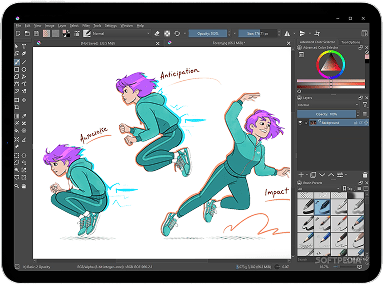
  • Krita: keyframes, timeline, 12 Disney principles
  • Movement Cycles: Idle, Walk, Attack, Jump (Bing)
  • Effects: dust, flares, weather, tilesets
  • Lipsync: Eleven Labs voiceover, mouth synchronization
  • Background animation: parallax, day/night
  • Short film: story (Nolan AI), concept, animation
  • Emotions in dialogue: storyboarding, ChatGPT
  • Music (Suno), rendering and project presentation
Block 5. Animation in 2D games and cartoons

Block 6. Comics and manga

[6 topics]

  • Comics vs manga: formats, bubbles, zines
  • Cover: illustration, font, title
  • Storytelling: 3 Acts, Genres, ChatGPT, Characters (Deviantart)
  • Finalization: outlines, shading, manga presentation
  • Panels: composition, movement, emotions, scene sketches
  • Text: bubbles, dialogues, sounds
Block 6. Comics and manga

How is the training

Individual approach and training in a comfortable environment
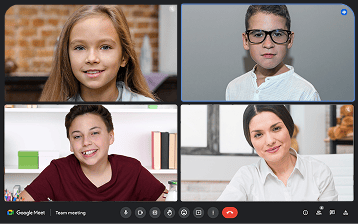
Professional mentors, individual approach, feedback.
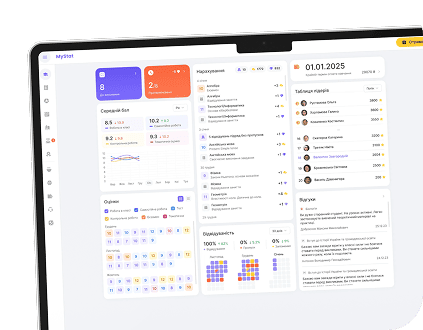
MyStat platform: grades, teacher feedback, lesson recordings, learning materials
The course will yield results that will please both you and your child:

Something about the test in the profession and occupation or do you like it?
  • The child is not just “sitting at the computer”, but is immersed in exciting creativity
  • Will try himself as an artist, designer, animator and screenwriter
  • Your child is engaged and you have some free time for yourself.
Possession of professional tools
  • Adobe Fresco AI
  • Bing
  • Stable Diffusion
  • Krita
  • ChatGPT
  • Artbreeder
  • Leonardo AI
  • Suno
  • Deviantart
  • PoseMyArt
  • Nolan AI
  • Eleven Labs
Portfolio projects
and interesting experiences
Will collect their own portfolio of creative projects - as a basis for further studies or a career in digital art

Frequently Asked Questions

Frequently Asked Questions

Who can study, and are there any age or knowledge restrictions?

Children aged 10 to 14 are invited to the course. Special artistic training is not required - an interest in drawing and a willingness to work with digital tools are enough.

Is it possible to study online?

We have both online and offline courses. You can choose the option that is convenient for you! If you are only interested in online - distance learning, then ITSTEP Academy has launched an online platform where you can study completely online.

Is homework mandatory and how long does it take to complete it?

Homework is a practice that consolidates knowledge. It is recommended so that you can build a portfolio during your studies, but it is not mandatory.

What to do if a child misses class?

Your child can work independently via the MyStat platform, where they can save their notes, homework, and all related materials for the lesson. In addition, you can take an individual lesson with a teacher (paid separately).

This site uses cookies

Privacy policy